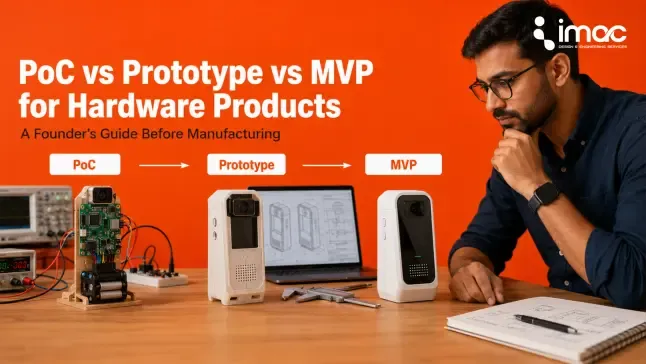
The prototype is where the concept becomes something physical that can be handled, tested, and improved. It's also where most founders spend the most time, and where the most important manufacturing decisions start to form.
What Is the Difference Between a Looks-Like, Works-Like, and Integrated Prototype?
Not all prototypes serve the same purpose. Choosing the wrong type wastes time:
Looks-like prototype: Focuses on visual design, dimensions, ergonomics, and product communication. It doesn't function, but it shows stakeholders what the product will look like and how it will be held or used. Useful for early investor conversations and industrial design review.
Works-like prototype: Focuses on functional performance: mechanism, electronics, sensor performance, airflow, load, or motion. It may look rough. It's built to test whether the product actually does what it's supposed to do.
Integrated prototype: Combines form and function for real-world evaluation. This is the version you test with users, show to manufacturers, and use to begin a contract manufacturing discussion.
Many hardware products use all three stages, although the sequence depends on the product’s biggest unresolved risk.
What Should a Functional Prototype Prove Before User Testing?
Before your prototype reaches real users, it should demonstrate:
✓ Product size and handling feel right for the intended user
✓ Ergonomics work in practice, not just in CAD
✓ Ease of use is clear without a manual
✓ Core functional performance meets requirements
✓ Assembly fits correctly and can be repeated
✓ Basic durability survives expected handling
✓ Heat, vibration, sealing, or load performance is within range
✓ Charging, maintenance, cleaning, and service access are practical
If users have to be coached on how to use your prototype, that's feedback, not a pass.
Also Read: How To Build a Product Prototype - 7 Steps